The most important part of any social media post, whether it is organic or paid, is the graphic. Graphics must be designed to “stop the scroll” so the reader can then read the content. Without an excellent graphic, most posts will go unread and have no engagement, thereby nullifying the time you spent writing the social post. Here’s how to easily design a social pic that will encourage a viewer to read the post content.
Here are the 3 steps to designing a great graphic:
1. Choose the Right Size
A common mistake when designing graphics is that they are designed in the wrong size. Then, when uploaded to the platform, the picture stretches out of size or falls outside the boundaries of the graphic size. This can cause your contact info to be cut off or only see the middle of the graphic. This is a sure-fire way to appear unprofessional on social media.
Here are sizes for some common platforms:
 > Facebook – design as 9” x 16” OR 16”x9”
> LinkedIn – design as 1200px x 627px
> Instagram – design as 1200px x 1200px
Make sure to adhere to your company branding guidelines so, when potential customers see your post on social, they will immediately associate it with your business.
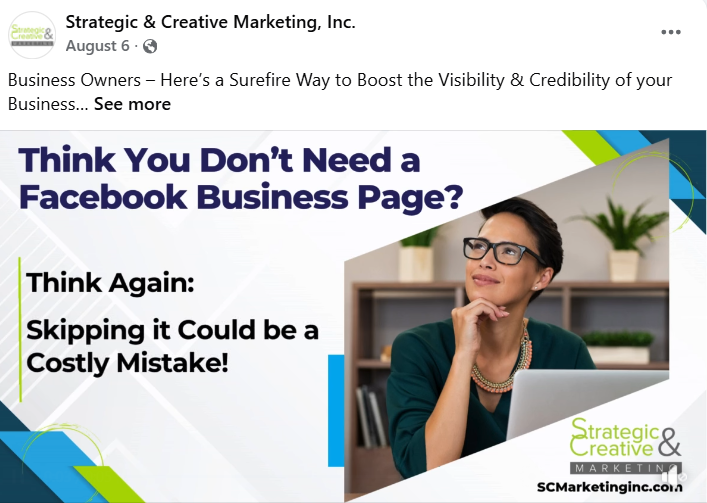
2. What Makes a Graphic Perform Well on Social?
You must adhere to the latest “algorithm.” This is a checklist of the things Meta or LinkedIn bots want to see in both your content & your graphics. When you design your graphic to meet the algorithm of Facebook or LinkedIn, your post gets shown to more people. The algorithm does change frequently – currently, this is what both of these platforms want to see:
> Bold background = lighter is usually better than darker
> People are featured
> Includes your logo
> Has a headline that matches the post content
3. Download Canva
Why Canva?
1. It’s FREE and
2. Allows you to choose the right size for the social graphic you are creating
3. If you have the Pro version, you can also share graphics with your Team.
> This allows you to have one person create a design then others on the team can view it and suggest changes
> One person can create a design then others can customize for their own posts (saving lots of time)
4. Canva allows you to quickly choose the correct size for the platform you are posting to. There are different sizes for platforms such as Facebook, LinkedIn, Twitter, etc. as you can see below:
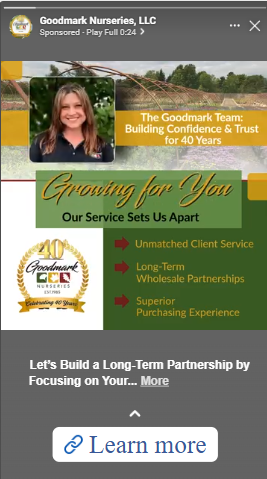
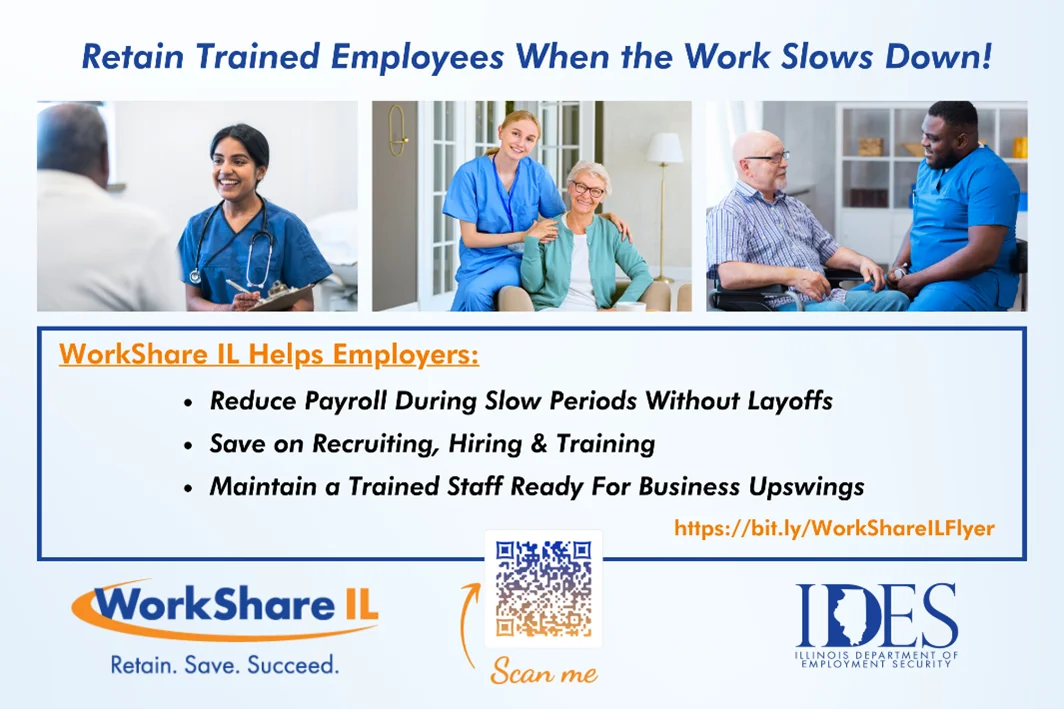
Here are a few examples of excellent graphics:

Struggling to get engagement on your graphics (likes, shares, comments, video views, etc.)? You’re not alone. There are so many posts on social platforms that they typical engagement rate (take the total number of engagements and divide by total views of the post) averages just .1%!
Fortunately for SC Marketing clients, because our Director of Social serves on Advisory Panels for both Meta and LinkedIn, we are trained on the latest guidelines for what is performing best on social. We are happy to partner with your company to produce exceptional social media ads that result in a low cost-per-click and get outstanding engagement to drive brand awareness and sales.
Reach out to us at Tami@SCmarketingInc.com or complete the form below to get more information today!
[gravityform id=”3″ title=”true” description=”false”]